
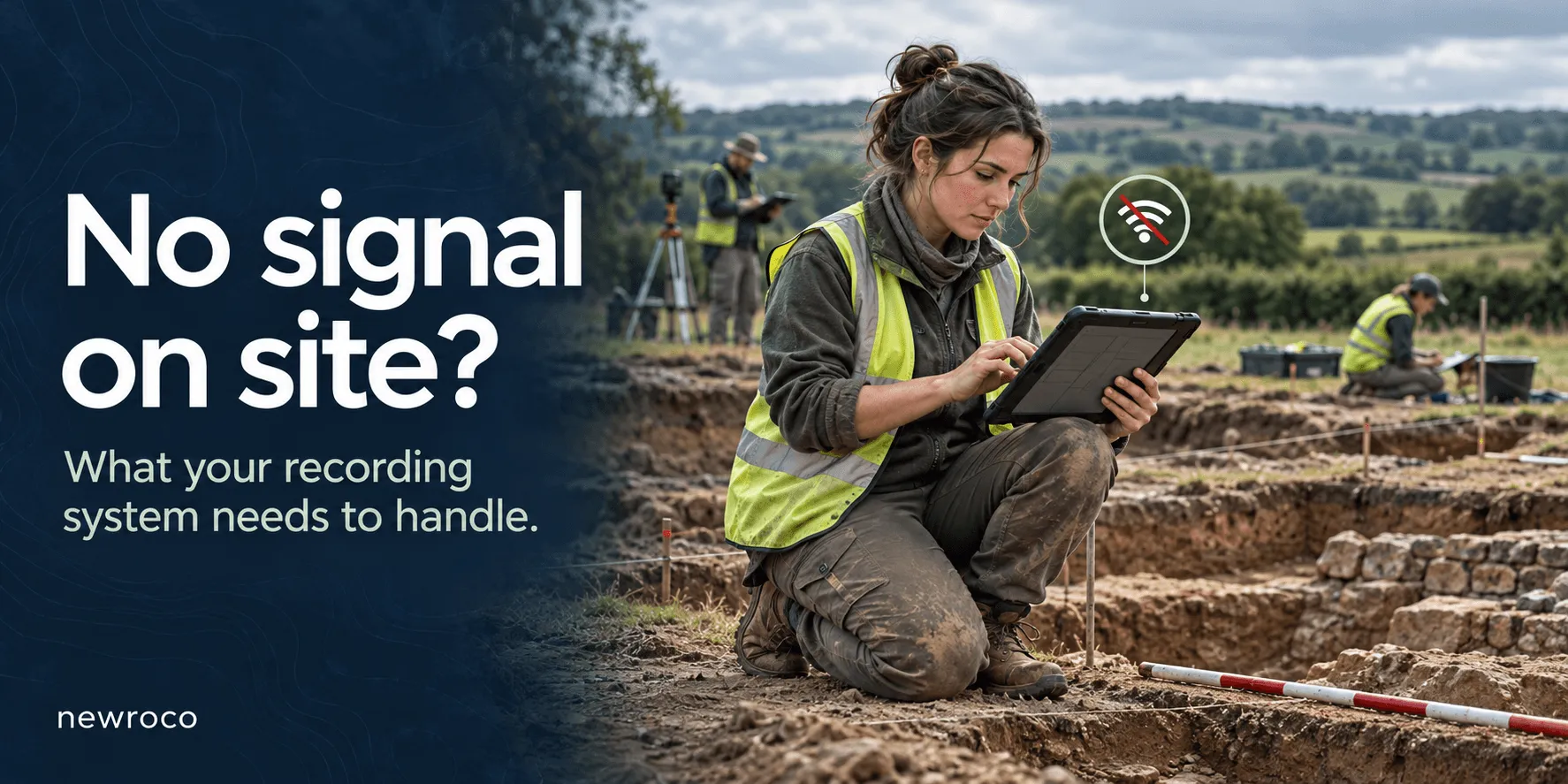
What should you do if there is no internet on site?
The presence of the internet should not determine whether your archeological team can record data during or after excavation.
What if the supervisor is halfway through a context description and the internet connection suddenly drops? The form stays visible, but is the information saved? Who knows? No more photographs. The record is corrupted.
A skilled software team with experience in archaeology and working with researchers and heritage specialists should address these questions. This is the proper way to ensure work flows naturally, with or without an Internet connection.
Offline archaeological recording system
A modern offline archaeological recording system should support agreed recording tasks without connectivity, preserve work on the device, show what remains unsynchronized, and transfer changes reliably when a connection returns.
It should also make its limitations clear, including the risk of conflicting edits and losing unsynchronized data. Such a system should have an impact on an archaeological team’s performance.
There are 5 questions worth asking before choosing your archaeological recording system.
1. Can users create and edit records without Internet connectivity?
Simple answer: an application that displays yesterday’s records offline may still require a connection to save today’s work.
Ask for a demonstration of the complete recording process. Can someone create a context record, enter observations, amend an existing description and attach the photographs required by your workflow?
Then close the application and reopen it while still disconnected. Check that the saved work remains available.
For browser-based applications, offline operation requires deliberate implementation. Technologies used in progressive web apps can support disconnected working. We know this from field experience and a proven record of accomplishment from archaeologists who use the Digital Recording System in England.
Your evaluation should also cover identifiers. If several devices create records independently, how does the system prevent duplicate numbers or reconcile temporary identifiers without breaking links?
Ask the supplier, “Show us a complete recording task in airplane mode, including reopening the application.” The results will prove if the system is working or not.
2. Can the team access the reference information it needs?
It should. A functioning form is just part of the construction of the system.
Your archaeological team may also need guidance on recording, controlled vocabularies, project registers, earlier descriptions, or relevant plans. Support is mandatory, especially during the early adoption days.
Consider an archaeologist recording a relationship to an existing context. Can they find the relevant record offline? Can they distinguish a locally available version from information that may have changed elsewhere? These are important questions that need clear answers.
Useful requirements include:
• A clear indication of which project information is available offline.
• The date or version of downloaded reference material.
• An understandable warning when something has not been downloaded.
• A practical way to refresh project information before fieldwork.
You need to be specific about scope. Downloading an entire project archive may be unnecessary when a team needs only an assigned area and its associated records. Specificity is mandatory. It will optimize work and time allocated to each phase of the project.
Ask the supplier: “What must we prepare before leaving connectivity, and how do we check it?”
3. How do users know whether their work has synchronised?
“Saved” can mean different things. How to interpret “save”?
A record may be saved on a tablet while the shared project database still contains an earlier version. A photograph may remain queued after the accompanying text has transferred.
To this extent, the system should make these distinctions understandable without requiring users to interpret technical messages.
Summary of what to identify in a system:
• Status: what the user needs to understand
• Saved on this device: the work is stored locally but has not reached the shared system.
• Waiting to synchronise: changes remain queued for transfer.
• Synchronisation confirmed: the shared system has acknowledged the relevant changes.
• Action required: a transfer failed or a conflict needs attention.
When discussing about the digital recording system with the software development team, ask whether the status covers attachments as well as the main record. Test what happens when connectivity returns briefly, disappears during an upload and becomes available again. Test and see the results live. This is a good way to ensure that the system works as promised.
A useful retry process should avoid duplicate records and explain what remains outstanding.
4. What happens when two people edit the same record?
This is a valid question, especially on big archaeological projects that involve many people. To this end, imagine a simple scenario: a supervisor corrects a context description in the office while an archaeologist updates its relationships on a disconnected tablet.
Both changes may be valid. The system needs a defined way to handle them when the tablet reconnects.
Ask whether it identifies conflicting changes, preserves previous versions, and provides enough data for someone to review the differences. A timestamp alone cannot explain the archaeological reasoning behind an amendment.
Some changes are set within safe combinations. Others may require a designated reviewer. Your organization should agree on who makes that decision and how the outcome is recorded.
Treat conflict handling as a workflow question during procurement:
• Which records can be edited?
• Who can edit the records?
• Under what circumstances are the records editable?
• What is the review process like?
You could formulate a question to the system supplier in the form of “Demonstrate two people changing the same record offline. Show us what happens to both versions.”
5. What happens if a device is lost before synchronization?
If the only copy of new information is on a lost or damaged device, that information may be unrecoverable. Offline capability does not remove the need for a backup and recovery plan.
Agree when teams should synchronize, where connectivity is available and whether another supported backup method is needed during extended periods offline.
For browser-based systems, see if local storage is good on protection. Browser storage has quotas, and some stored data can be removed under particular conditions. The application’s storage design and supported device configuration therefore matter.
Important note on device security: access controls, encryption and lost-device procedures protect information, but cannot recreate a missing copy.
“What could we lose if this tablet disappeared now, and what procedure reduces that exposure?” On a dig site, things could disappear. It happens. Some break, others get stolen. As you can imagine, when the recording device is missing, one could ask what to do to limit data exposure.
Run a field test before committing
Ask for a live demonstration and observe how the system handles specific situations, closely linked to your activity.
Use a test project and the devices your team expects to carry in the field. You could also create records and photographs offline, restart the application, edit one record on two devices, then reconnect through an interrupted connection. What happens? Analyze the results with attention in order to determine whether it fits your project.
Finally, inspect the shared dataset. Are the records complete? Are attachments present? Were conflicts surfaced? Can the supervisor identify outstanding work?
Include the people who will use the software daily. Their questions about labels, navigation, and recording sequences can reveal requirements that a feature list misses. They are the ones who will use the system. Their input is more than helpful.
Define the field conditions first
Choosing software starts with understanding the work it must support: recording tasks, team responsibilities, available devices, expected periods without connectivity and the information needed on site.
Newroco Digital Recording System: Tested and in use for years in Great Britain
Newroco develops web and mobile applications, including progressive web apps, and provides cloud infrastructure expertise. These capabilities provide a foundation for discussing a recording application’s interface, offline requirements, and synchronisation design.
In the last couple of years, Digital Recording System has been the favorite tool for Oxford Archaeology. This progressive web application is ideal to record on site data on hand-held devices, without resorting to pen and paper. No more time wasted by copying data from paper to digital database.
Technologies used for Digital Recording System: Laravel framework, PHP, PostgreSQL and VueJS.
We invite you to discover more about this powerful archaeological tool with immediate impact on your capabilities.
Describe your field conditions. We can help you define what your recording system needs to handle.